Guide
How to choose help desk software for a small team
Most small teams choose a help desk from three pricing pages and the longest feature list they can afford. Months later the phone still lives in a separate app, the sales history in somebody’s spreadsheet, and the tool turns out to be built for a support department ten times their size.
This guide starts from your channels, your volume and the people who answer, then gives you the questions that separate help desks for teams of 10 to 25, the real cost, a two-week trial and a scoring table, with a worked example.
Start from your channels and your volume
Before you open a pricing page, spend half an hour with the team writing down three things. They are your requirements.
Where customers reach you. List every channel and how many messages a day come through each: email, calls, a contact form, chat, text messages. A channel with two messages a month is not a reason to choose a tool.
How many, and when. Count a real week, not a guess, and note the peaks: a help desk has to work on your busiest normal day.
Who answers. Write down who picks up each channel, who covers when they are out, and who gets asked when nobody else knows. In a team of six, the person answering email often answers the phone too.
The questions that separate help desks at this size
Does every case have one owner and a waiting-on status?
A shared inbox fails in two ways: two people answer, or nobody does. A help desk fixes both only if every case has one owner, shown in the list, and a status that says whose move it is, worked out from who wrote last. How a small team should handle support email sets out the habits.
Does the clock count your business hours?
The clock should count how long the customer has waited for a reply, in your open hours only: one that counts nights and weekends makes every Monday look like a disaster, and the team learns to ignore it. Check that it warns you before a response-time target is missed; how fast a small team should reply to email shows how to set one.
Do saved replies fill in the details?
Most teams answer the same five or six questions all week. Check which placeholders a saved reply fills in, such as the customer’s name, and that it lands in the reply box to be read before it is sent.
Can the team talk about a case without the customer seeing?
Look for internal notes that never go to the customer, a way to ask a colleague a question on the case, and a way to hand the case on with a note. Otherwise that talk moves into forwarded emails, and some of it ends up in a reply.
Can customers find answers themselves?
A knowledge base holds your team’s written answers; a public help center lets customers search them before they write. Ask whether an article can be kept internal, whether someone checks it before customers see it, whether the tool suggests articles on a case, and what a second help center costs.
Do phone calls land on the same case?
A call about an open problem belongs on its case, with who took it and how it ended. Ask how a call reaches the case, whether a known caller’s name shows before you answer, and who bills you for the minutes.
Can you see what the customer buys?
A complaint from a customer who is about to renew is a different conversation. Check whether their deals, orders or plan show beside the case or sit in a CRM that support never opens; how to choose a CRM for a small team covers the sales side.
Who can see and change what?
A part-time bookkeeper may need to read invoices and change nothing, and a contractor to see only their own cases. Ask which roles come ready-made, whether a role can be narrowed to its own records, and whether someone who only reads needs a paid seat.
How does your data leave?
Ask what the export holds (cases, replies, notes, calls and files, or only contacts) and who can run it without a support ticket. Then run it during the trial and open the file.
List the needs that rule a tool out
Some needs decide the choice on their own: a tool that fails one is out, however well it scores on the rest.
- If customers expect live chat on your website, only consider tools that offer it.
- If customers text you, only consider tools that take text messages.
- If you answer in several languages, try saved replies and articles in each.
- If you must keep your phone system, check that the tool works with it.
- If a law or a contract says where data must be held, ask where each vendor holds it.
What a help desk costs at this size
Help desks are often priced per agent, per month, with a lower price for paying a year ahead. That is where the cost starts. Price a year for the team you will have in twelve months:
| Line | What to check |
|---|---|
| Seats | Everyone who answers, plus anyone who only reads |
| The plan you need | Business hours, roles or a help center may sit on a higher plan |
| Phone | A per-user add-on or a separate phone system, plus numbers and minutes |
| Help centers | Whether a second product or brand costs extra |
| Contacts | Whether the price climbs with customers, contacts or emails |
| Other tools | A CRM, or anything else the help desk does not replace |
If a tool charges by conversations instead of agents, price your real volume, peaks included. Then set the yearly total beside the score, not inside it.
Run a two-week trial with your own email
Try one tool at a time, so two tools never answer the same customer:
- Day 1. Send a copy of your support email to the tool, keeping your mailbox as it is. Import 30 to 50 real customers and write saved replies for your five most common questions.
- Days 2 to 7. Answer every support email from the tool, not the old inbox, and give every case an owner.
- Days 3 to 7. If phone is on your list, take real calls and check that each lands on the right case.
- Day 5. Hand a case on with a note, and ask a colleague a question on another.
- Day 8. Set business hours and a response-time target, then check the clock on a case from the weekend.
- Day 9. Write five help articles from the first week’s questions.
- Day 10. Give your most limited colleague the narrowest role that fits, and check what they see.
- Day 12. Check that a regular customer’s history shows beside their case.
- Day 13. Run the export and open the file.
- Day 14. Score the tool together while the two weeks are fresh.
Score your options
Turn your notes into ten questions and score each tool on each one:
| Score | Meaning |
|---|---|
| 0 | Does not do it, or only with a workaround you would not keep up |
| 1 | Does it, but with extra cost, extra steps or a second tool |
| 2 | Does it the way your team works today |
Count the five questions that matter most twice, so the most a tool can score is 30. Score from the trial, not from the sales page. The small-team CRM buying checklist has 36 more questions, scored the same way.
A worked example: a six-person soap maker
Wrenfallow Soap Company sells soap by subscription online and wholesale to about 60 gift stores. Tamsin owns it and looks after the store accounts, Rafe and Nell answer customers, Bram sells to new stores, Femi makes the soap and answers questions about scents and ingredients, and Ruth, a part-time bookkeeper, reads invoices.
A normal day brings about 40 emails, from subscribers changing deliveries and stores asking about orders and invoices, and about 15 calls, mostly stores following up an email. The history lived in the support inbox, the phone’s call log, Bram’s spreadsheet and the shop’s order screen.
Tamsin tried two setups for two weeks each with the team’s own email. Setup A is three tools: a help desk, a separate phone system and a CRM for the store accounts. Setup B is one tool for email, calls and the customer record. She doubled five questions.
| Question | Doubled | Setup A | Setup B |
|---|---|---|---|
| One owner and a waiting-on status | yes | 2 | 2 |
| A store’s call lands on its case | yes | 1 | 2 |
| The store’s account beside the case | yes | 0 | 2 |
| A business-hours clock (weekdays, 8 to 4) | yes | 1 | 2 |
| A full export | yes | 1 | 2 |
| Saved replies | 2 | 2 | |
| Notes, questions and hand-offs | 2 | 2 | |
| Articles and a help center | 2 | 2 | |
| Ruth reads and changes nothing | 1 | 2 | |
| Orders from the online shop | 2 | 0 |
Setup A scores 10 on the doubled questions (5, counted twice) and 9 on the rest: 19 of 30. Setup B scores 20 and 8: 28 of 30.
Setup A lost points at the seams. Calls reached the help desk through a paid add-on, as a link back to the phone app, and nothing from the CRM showed beside a case. The business-hours clock sat on a higher plan, each tool exported only its own part, and Ruth needed a seat in two tools.
Setup B’s 0 was real: it did not show the shop’s orders. But the shop already emails every subscriber a tracking link, so only two or three emails a day ask about an order, and Rafe checks those in a second tab. Had order questions been half the email, that row would have been doubled, and the gap a reason to choose differently.
Then she priced both for six people for a year. On the plan pages, setup A looked cheaper; with the higher plan, the phone seats, the add-on and Ruth’s second seat counted, it was not. Tamsin set the totals beside the scores and chose setup B.
How ContactRoll does it
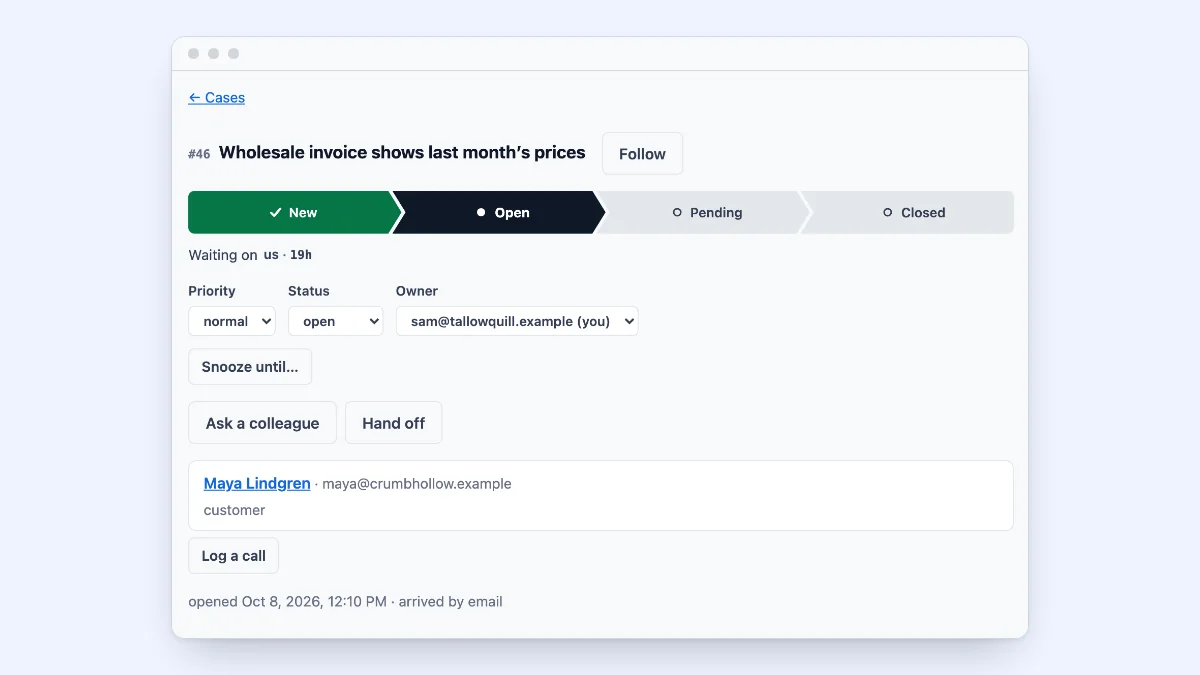
In ContactRoll, a new email to your organization’s support address opens a case, ready for somebody to take. The queue says who each case is waiting on and for how long, and a response-time target counts down on each case in business hours. Saved replies fill in the customer’s first name, notes are never emailed to the customer, and you can ask a colleague a question or hand off a case with a note. A call that comes in opens a case or joins the caller’s open one, and a call, a case and a deal sit on the same person. Nine ready-made roles decide who may see and do what, and an Owner or Administrator can download everything the organization holds as a file. Free is $0 for up to 3 people; Standard is $29 and Plus $59 per user a month, paid yearly, and Twilio bills calls to your own Twilio account with no markup (pricing). You can start free, with no card.
Questions
What should a small team look for in help desk software?
Look for cases with one owner and a status that says who each one is waiting on, a clock that counts only your business hours, saved replies, and notes the customer never sees. If the same people take calls or sell, also check that calls land on the same case and that the customer’s sales history sits beside it.
How much does help desk software cost for a small team?
Start with the price per agent, per month, times everyone who needs a seat, for a year. Then add what the plan page leaves out: a higher plan for business hours or roles, phone seats or a separate phone system with its numbers and minutes, a second help center, and any limit on contacts.
How long should a help desk trial last?
Two weeks is enough if you use your own email from the first day. Use the first week for real messages and real calls, and the second for the parts you need less often: business hours, help articles, roles and the export.