Sales
Contacts, companies, deals and one timeline per customer.
Everything your team knows about a customer is on their page: who they are, the company they work for, the deals in progress, and a timeline of every email, call, note, task and change. It is the same record your support team answers from.
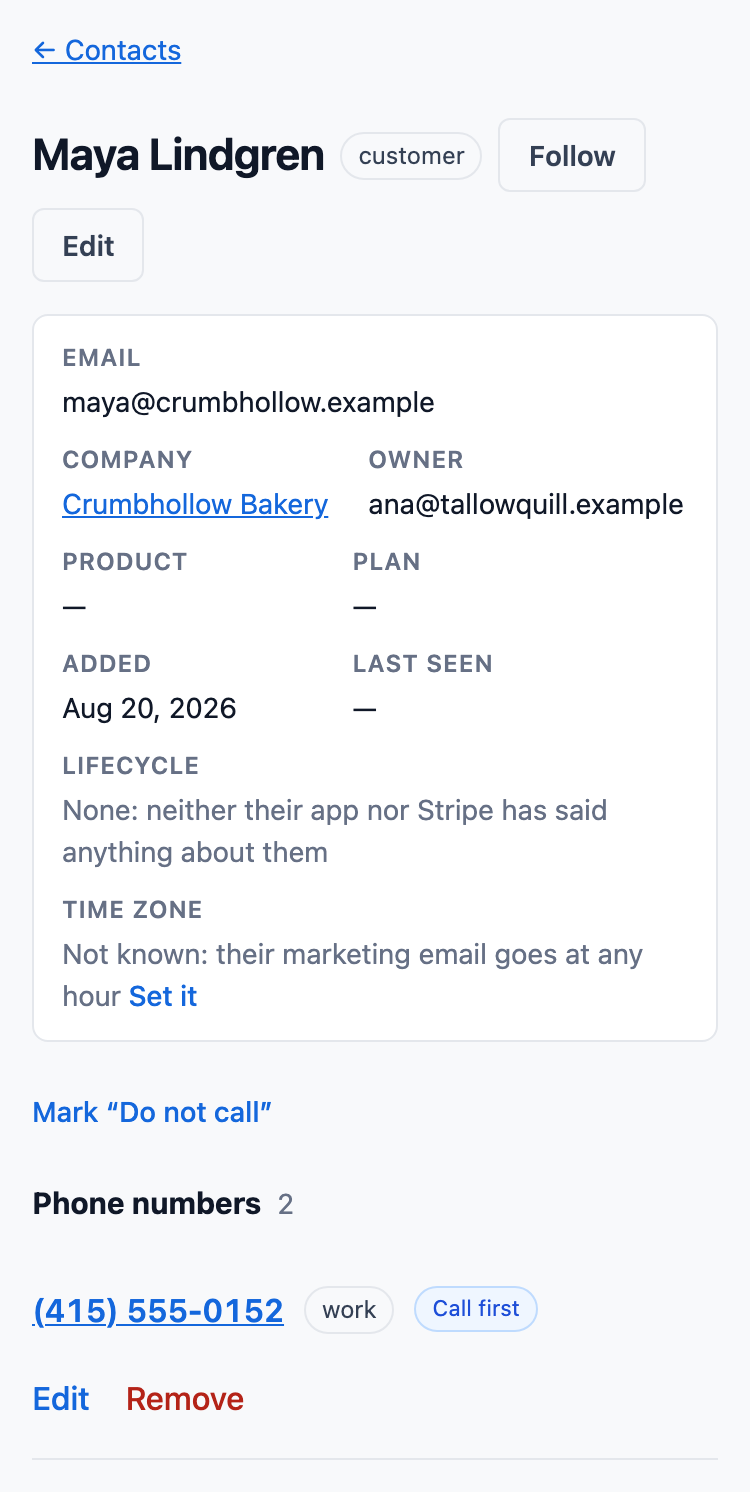
A pipeline you can read at a glance
Deals move through stages your administrator names: dragged across the board at a desk, or with a button that moves a deal to any stage, which works from a keyboard and on a phone.
- Each stage shows what its deals add up to, and what they are likely to be worth at that stage's chance of winning.
- A deal keeps the support cases that led to it.
- Money is stored in whole cents, or the currency's smallest unit, never as a rounded number.
- A lost deal needs a reason.
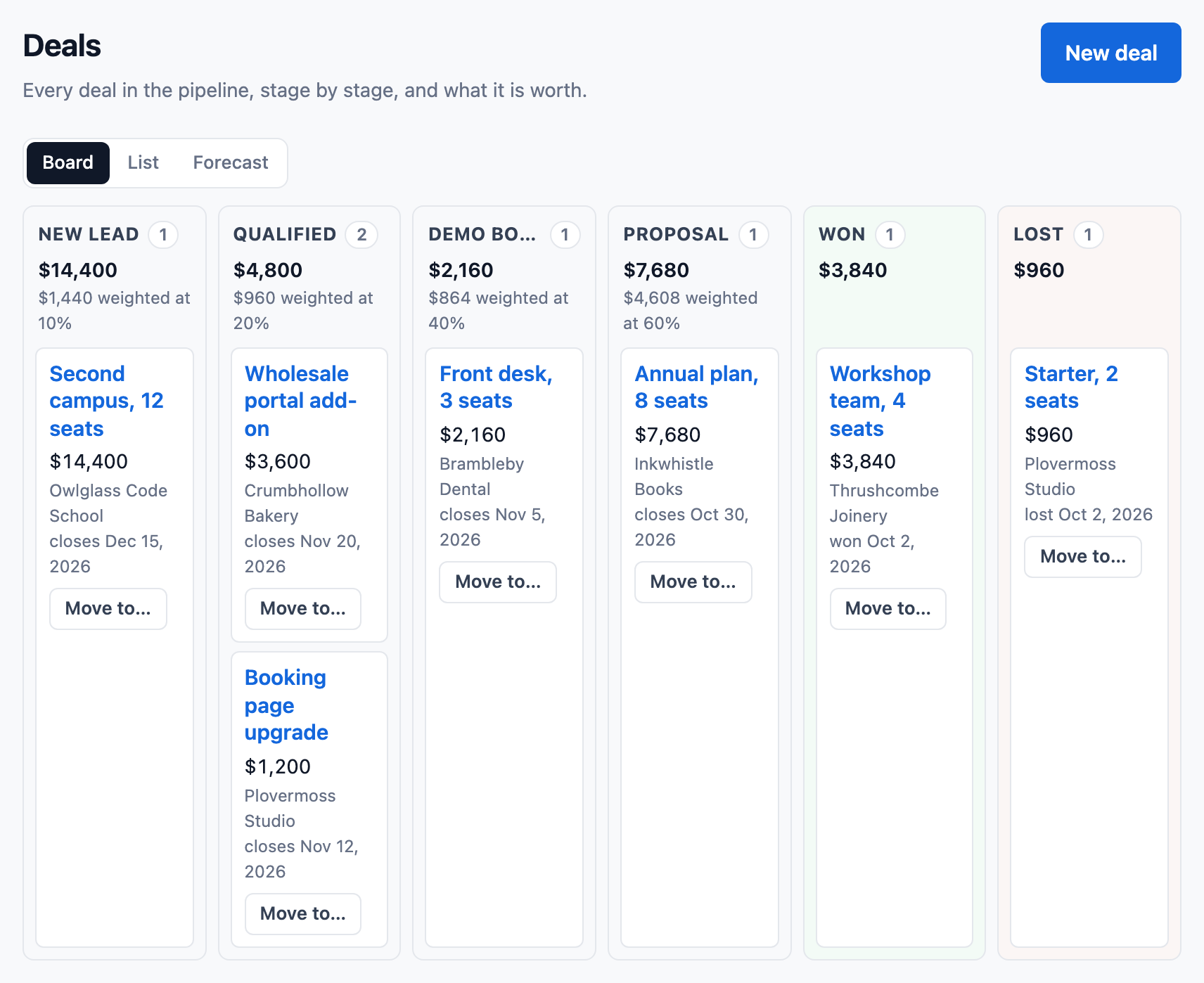
One timeline for each customer
A contact's page shows their timeline: the contact's own entries and those of their cases, newest first. A company's page gathers its people's entries, and a deal's page gathers those of the cases linked to it.
- Replies, calls, tasks, notes, changes of owner and status, and emails sent, each shown once.
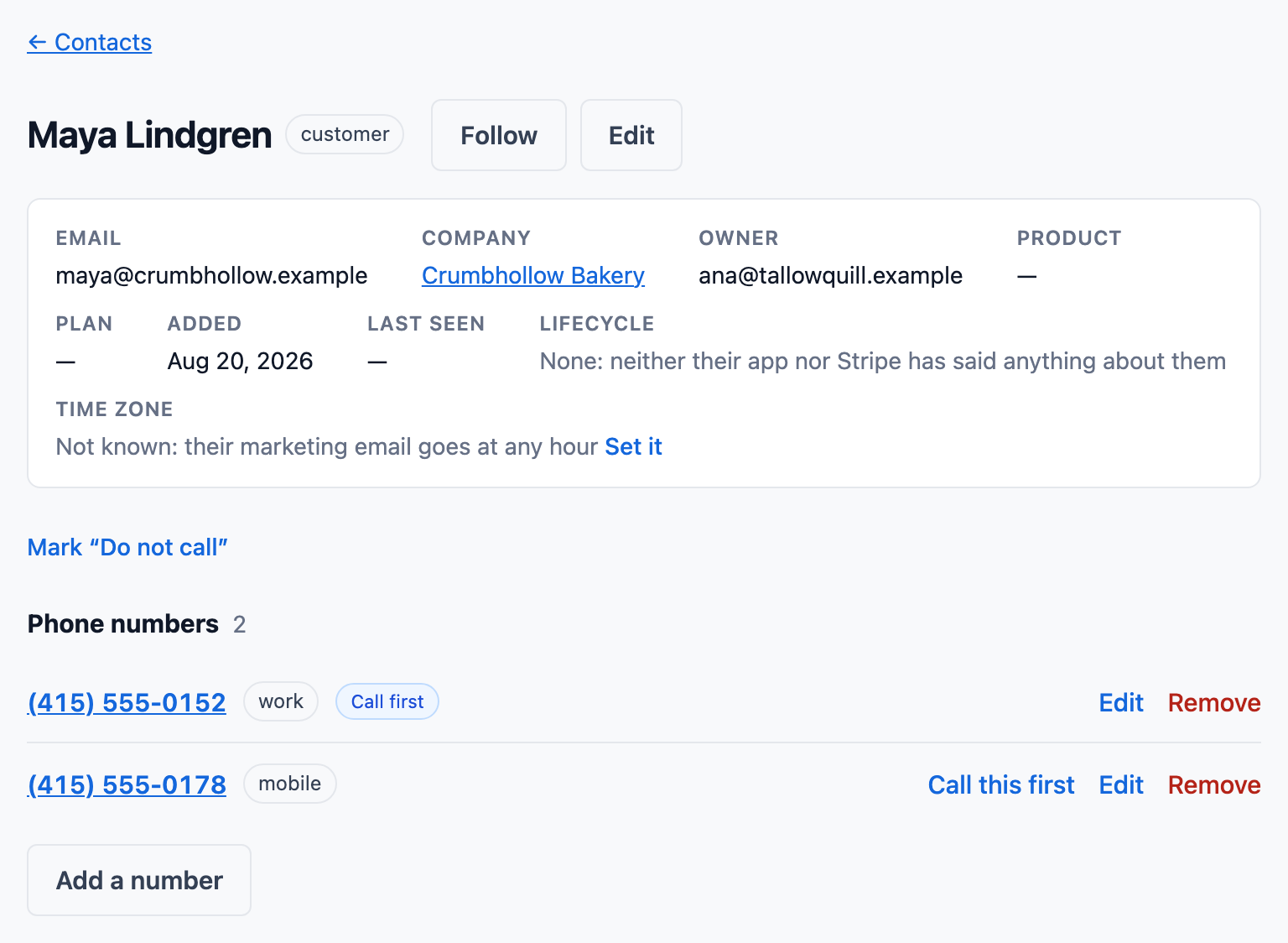
- Several phone numbers per contact and company, one marked to call first.
- Log a call made on another phone, with how it went and a callback task in one click.
- Search finds a person by half a name, an address or an exact phone number.
Also in sales
Tasks with a due date
A task belongs to a contact, a company, a case or a deal. Your own task list sorts them into overdue, today and upcoming, and a daily email lists them for each member who has email turned on.
Owners
Contacts, companies, deals and cases have an owner. A role can be narrowed to its own records or its team's (roles and access).
See billing and issue refunds from the case
Connect a product's Stripe account, and its customers' plans, invoices and payments show on their contact page and case, read live from Stripe. Refund a payment or cancel a subscription from the case, within limits an administrator sets.
Where to go next
Pricing
What each plan includes, and what calls cost.
See pricingGuides
- How to choose a CRM with a built-in phone for a small business
- How to set up sales pipeline stages for a small team
- HubSpot alternatives for small teams: how to choose
- What a CRM costs a team of ten
- How to choose a CRM for a small team
- The small-team CRM buying checklist
Support
Email cases, articles and a help center.
Next: supportQuestions
Can I bring my contacts in from a spreadsheet?
Yes. An Owner, an Administrator or a Marketer imports a CSV file of up to 2,000 contacts. ContactRoll reads it in the browser and shows a dry run first: what it would add, update and refuse, and why.
Does it record who changed a deal?
Yes. Every change of stage, amount, owner or close date is recorded with who made it and when, in a history no one can edit.