Roles and access
Nine roles, and who sees what.
Every member holds one role, and the role decides what they can do. Separately, an Owner or Administrator decides which records each role can reach: everything, their team's, or only their own.
The nine ready-made roles
They are the same in every organization. In ContactRoll, each one's permissions are listed under eleven headings.
| Role | What it can do |
|---|---|
| Owner | Everything, including billing, closing the account and transferring ownership. There is always at least one. |
| Administrator | Everything except closing the account, transferring ownership, and requiring or resetting two-factor sign-in. |
| Supervisor | Everything an Agent does, and: seeing who listened to a recording; downloading and deleting recordings of calls to their call groups; approving refunds up to the agents’ cap; and seeing records no one owns yet. |
| Agent | Works cases, contacts, companies, deals, tasks and calls; drafts marketing; writes articles; and listens to recordings. |
| Sales | Contacts, companies, deals, tasks and calls. Sees cases, works none. |
| Marketer | Campaigns, emails, sequences, audiences, forms and the media library: drafts and submits, but does not approve or publish. |
| Billing | Customers’ billing details, refunds and cancellations within the policy, and plan prices. |
| Knowledge editor | Writes, validates and archives articles. Reads cases. |
| Read-only | Sees records and reports. Changes nothing, exports nothing, hears no recordings. |
Who sees what
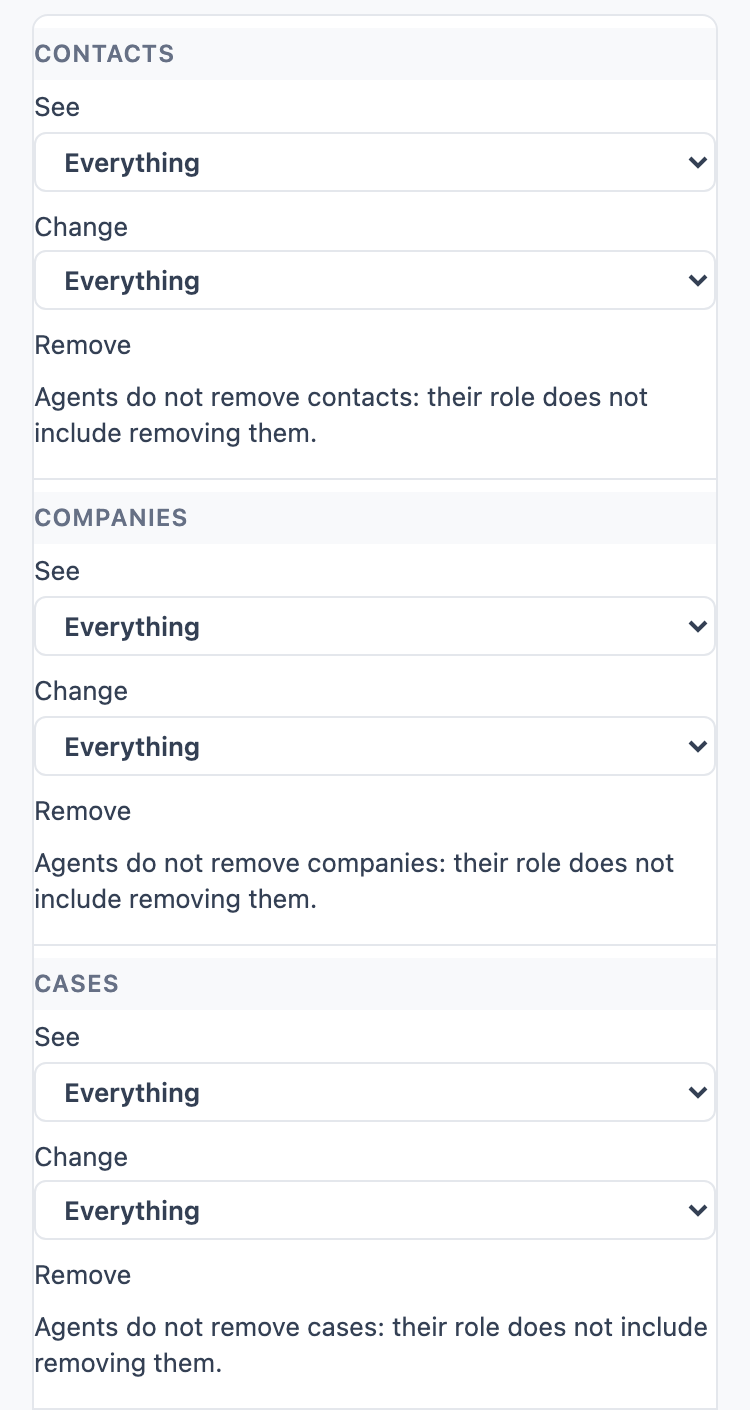
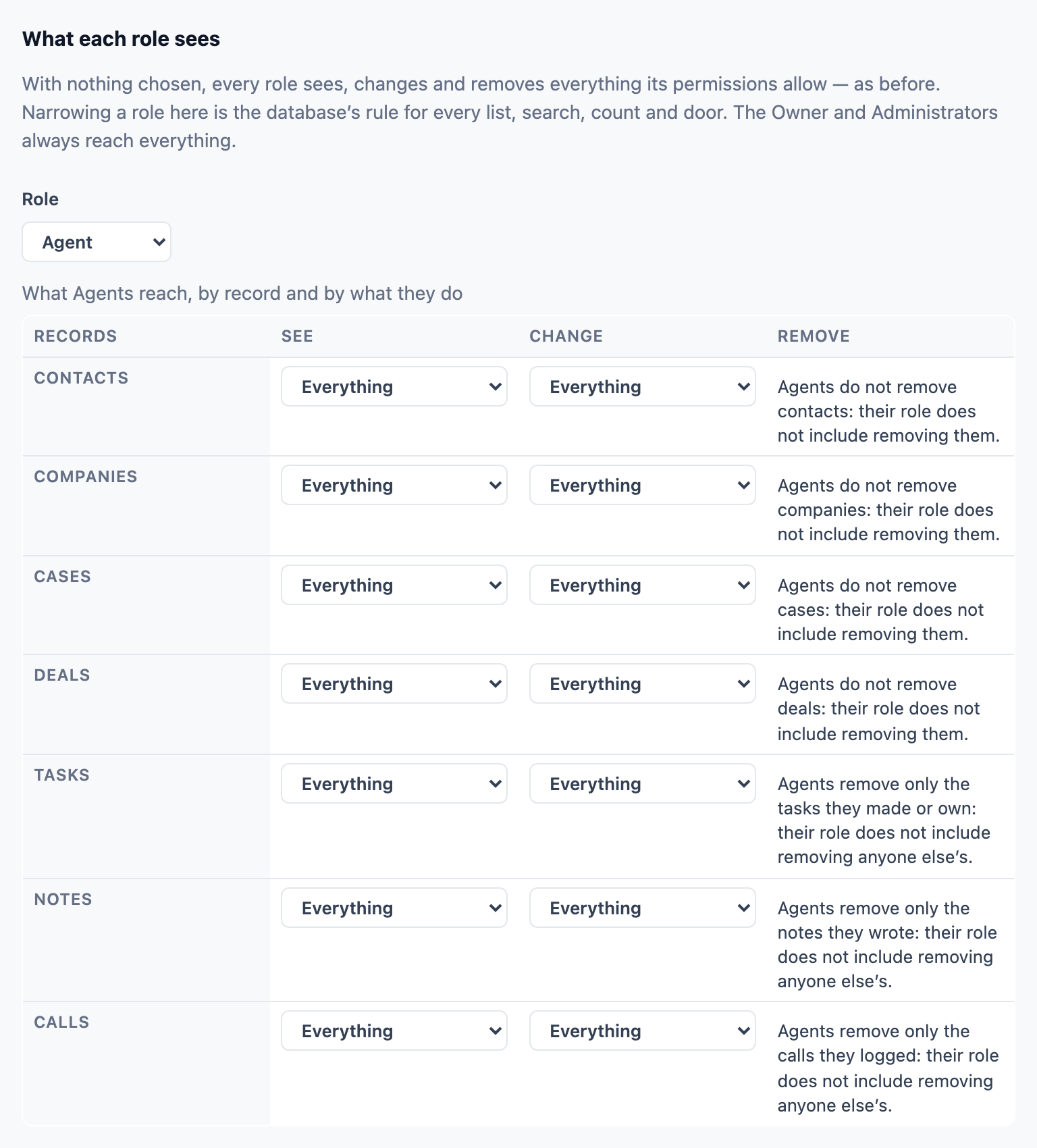
For each kind of record (contacts, companies, cases, deals, tasks, notes and calls) and each action (see, change and remove), a role reaches everything, their team's, only their own, or nothing, with or without records no one owns yet.
- Owners and Administrators are never narrowed.
- A member can always pass on a record they can change.
- A call ringing a member always shows them its caller and case.
Roles of your own, on Plus
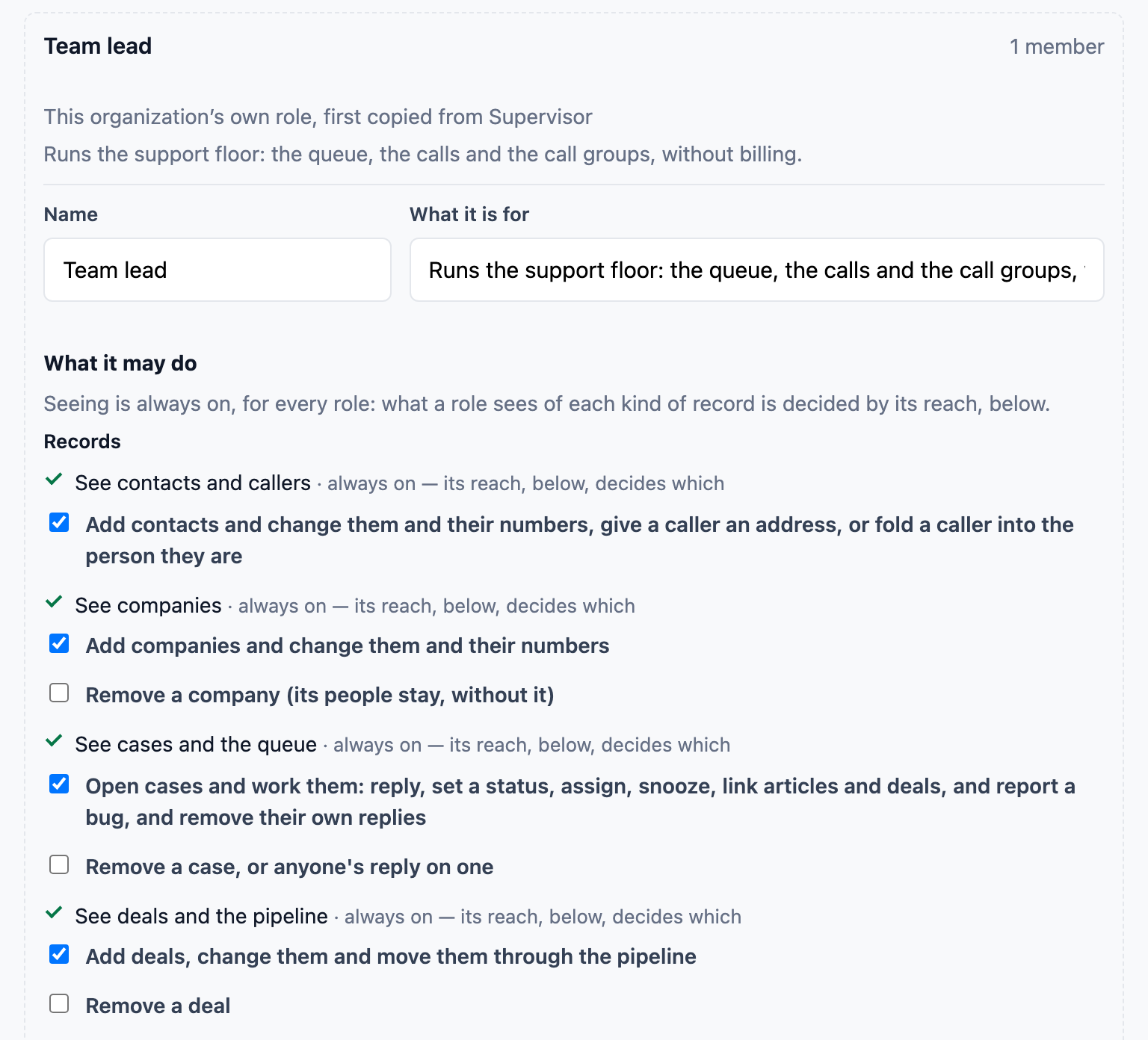
When no ready-made role fits a job, an organization on Plus makes its own: a copy of a role it already has, with its own name and a sentence saying what it is for, changed permission by permission and reach by reach.
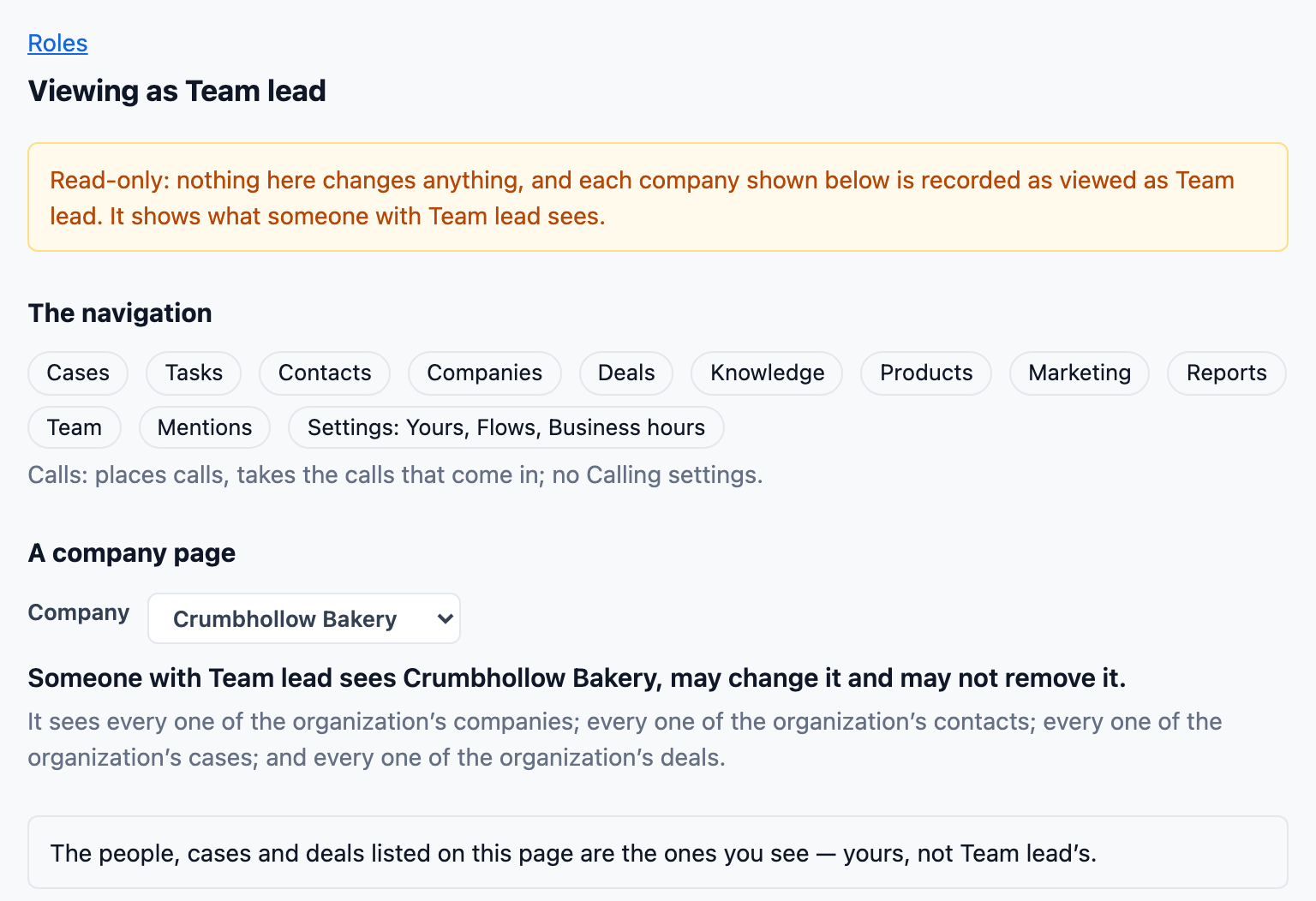
- Preview any role: an Owner or Administrator can see the navigation and a company's page as a role sees them, before anyone is given it.
- Only an Owner role closes the account or transfers ownership; a role of your own never can.
- An organization that leaves Plus keeps its own roles working as they are.
Questions
Can I change what a ready-made role can do?
No: the nine ready-made roles are the same in every organization. You can narrow which records each one can reach, and on Plus you can make roles of your own from a copy.
Can someone give themselves more access?
No. No one can make, change, give or preview a role that holds more access than their own, and the last Owner cannot be removed.
Does a screen ever offer a button the database will refuse?
Every page checks the same rule the database enforces, permission by permission, so a button you cannot use is not offered. The database refuses the request anyway if one is made.