Who it is for
ContactRoll for software startups.
At a young software company everyone answers customers: the founders, the engineers and the first support hire. ContactRoll gives that team one place for support email, the deals that need a conversation, calls, and marketing email to your users, with each customer’s billing beside their case.
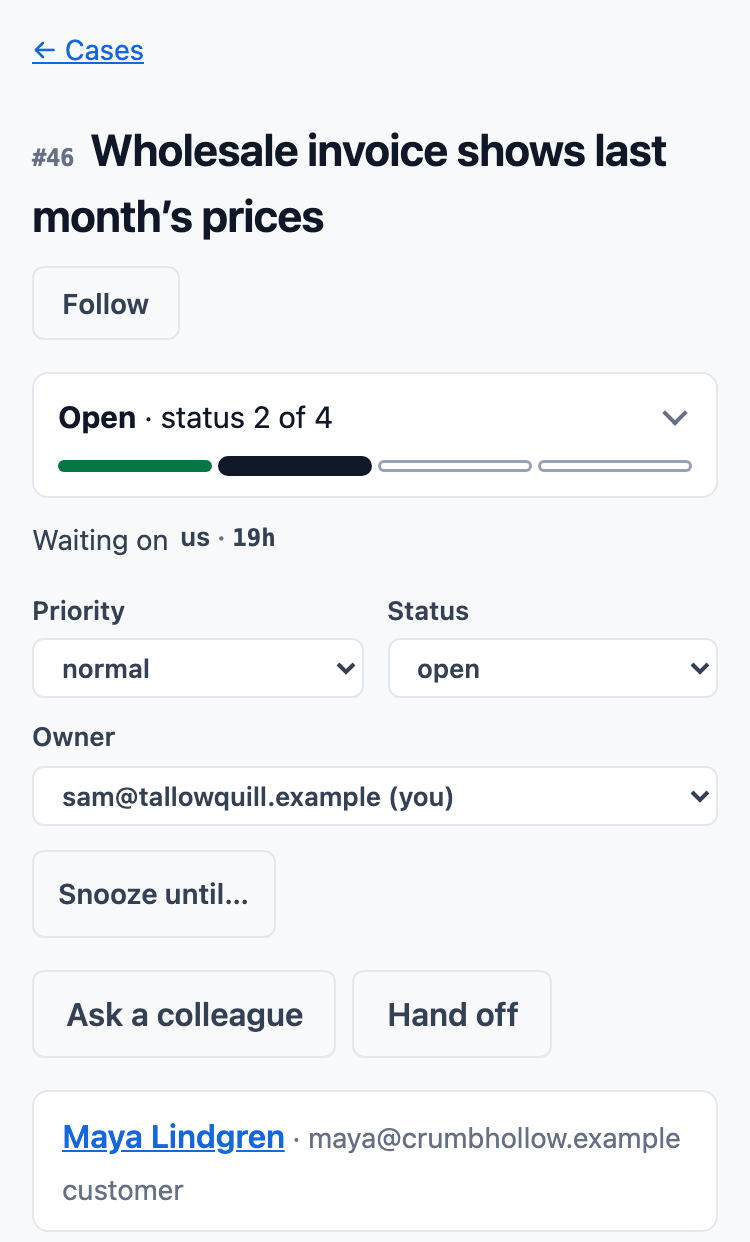
Support email that behaves like a queue
A customer writes to your support address and a case opens, ready for someone on the team to take. The queue says who each case is waiting on and for how long, worked out from who wrote last.
- Saved replies for the questions that come back every week, with the customer’s first name filled in.
- Knowledge articles your team writes once and puts into replies. Each product can have a public help center.
- Report a bug from a case to your product’s GitHub repository. When the issue is closed as completed, each case waiting on it comes back to your queue, and on Plus its owner gets a task.
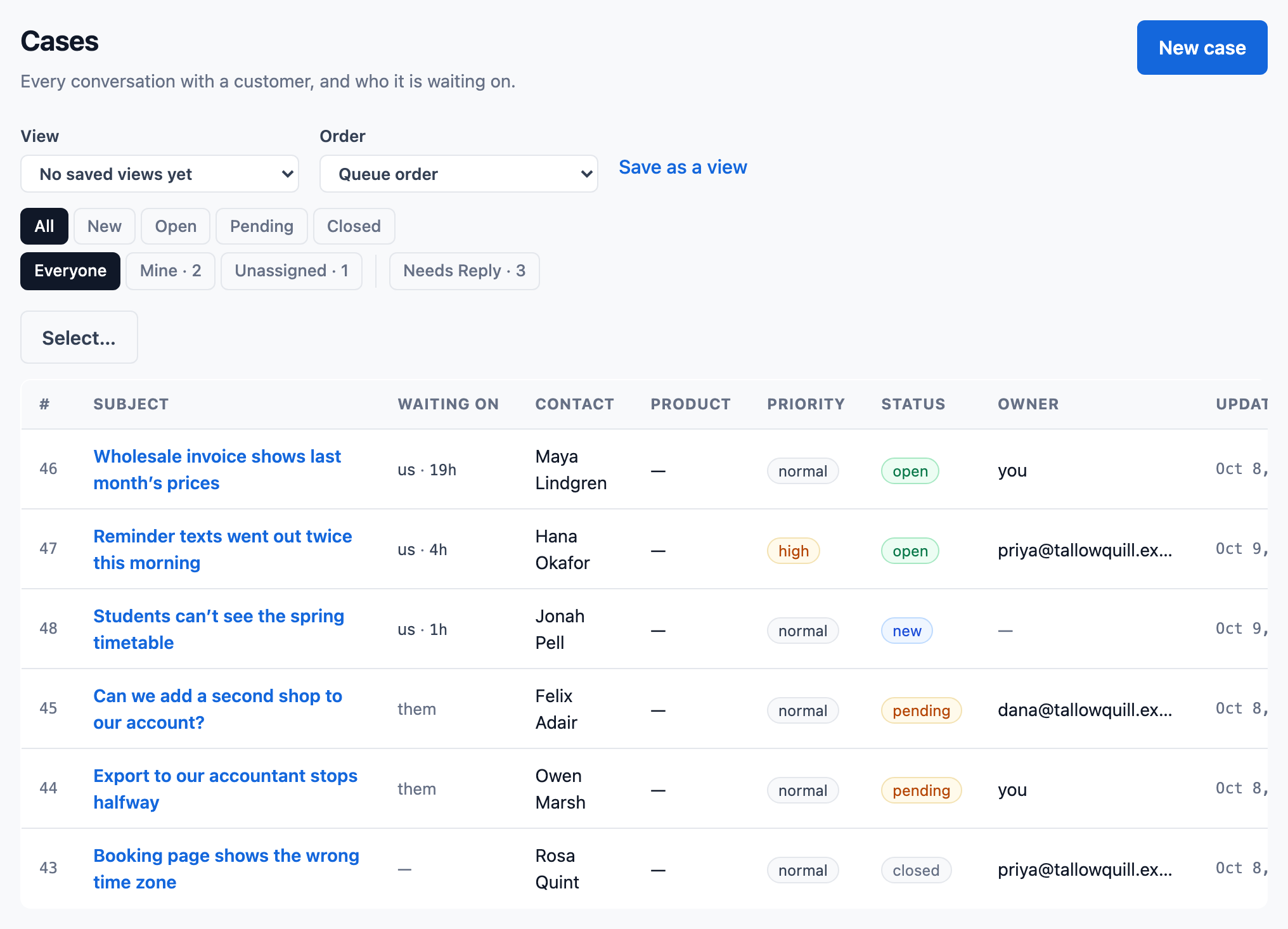
Email that follows what your users do
Your app sends ContactRoll what a user did, such as starting a trial, changing a plan or using a feature, and a sequence of emails can start from it and end when its goal is reached.
- Events arrive with your organization’s own events key, and segments can count them, such as “used it in the last 7 days”.
- Marketing email goes only to people with a consent record, and every one carries a one-click unsubscribe.
- On Plus, the API and outgoing webhooks connect ContactRoll to the rest of your stack.
Billing beside the customer
Connect your product’s Stripe account, and each customer’s plan, invoices and payments show on their contact page and case, read live from Stripe. Refund a payment or cancel a subscription from the case, within limits an administrator sets.
- Every refund and cancellation is on the customer’s timeline, with who did it.
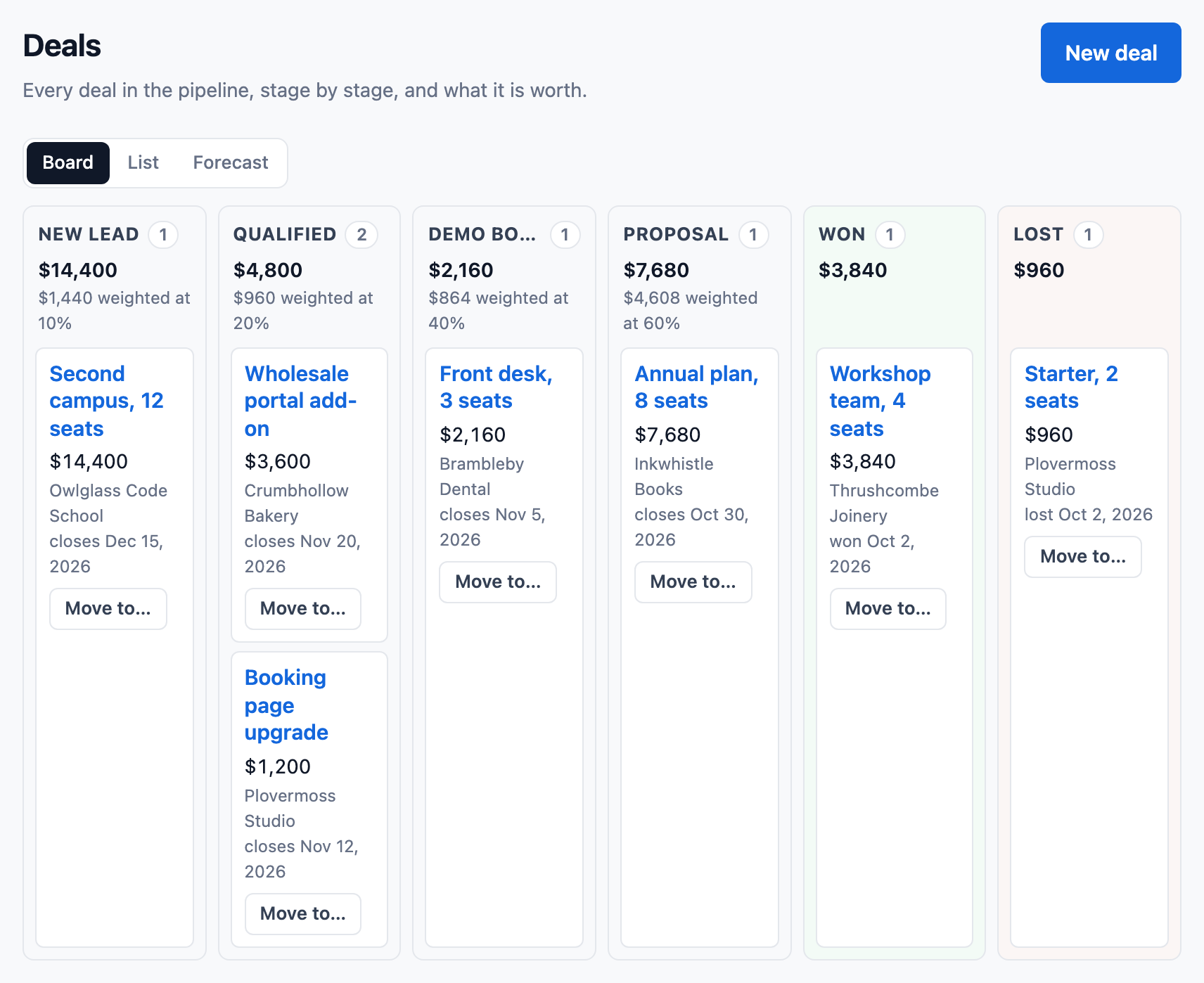
- A deal keeps the support cases that led to it, so an upgrade conversation starts with the full history.
Also for your team
Notes and mentions
Write a note on a case and @mention the engineer who knows the answer. Notes are never emailed to the customer.
Calls when a customer needs one
Calls go through your own Twilio account and ring whoever is free. Every call that comes in lands on a case.
Roles as you grow
Nine ready-made roles decide what each person can do, and on Plus you can create your own.
Where to go next
Pricing
What each plan includes, and what calls cost.
See pricingGuides for your team
- Help desk vs shared inbox: which does a small team need?
- How to write a knowledge base article, with a template
- Should your CRM send your marketing email?
- Double opt-in email: what it is and how to set it up
- How to choose a CRM for a small team
Comparisons
What five people would pay for the same at HubSpot, Zendesk, Pipedrive, Freshworks and Zoho.
See the comparisonsQuestions
Can our app tell ContactRoll what a user did?
Yes. Your server sends events such as a trial started, a plan changed or a feature used, with your organization’s events key. Sequences can start from them, and segments can count them.
Does ContactRoll work with GitHub?
Yes. Connect a product to its GitHub repository and report a bug or link an existing issue from a case. The report is checked so that the customer’s name, address and words stay in ContactRoll. When the issue is closed as completed, each case waiting on it comes back to your queue, and on Plus its owner gets a task.
Can we see a customer’s Stripe billing on their case?
Yes. Connect the product’s Stripe account and the customer’s plan, invoices and payments show on their contact page and case, read live from Stripe.