Saved views and boards
The list you need, saved, as a table or a board
Pick the columns, the filters and the sort for any list, give it a name and open it again tomorrow. Show it as a table, or as a board with a column for each stage, status or choice. Keep a view to yourself or share it with the team. On every plan.
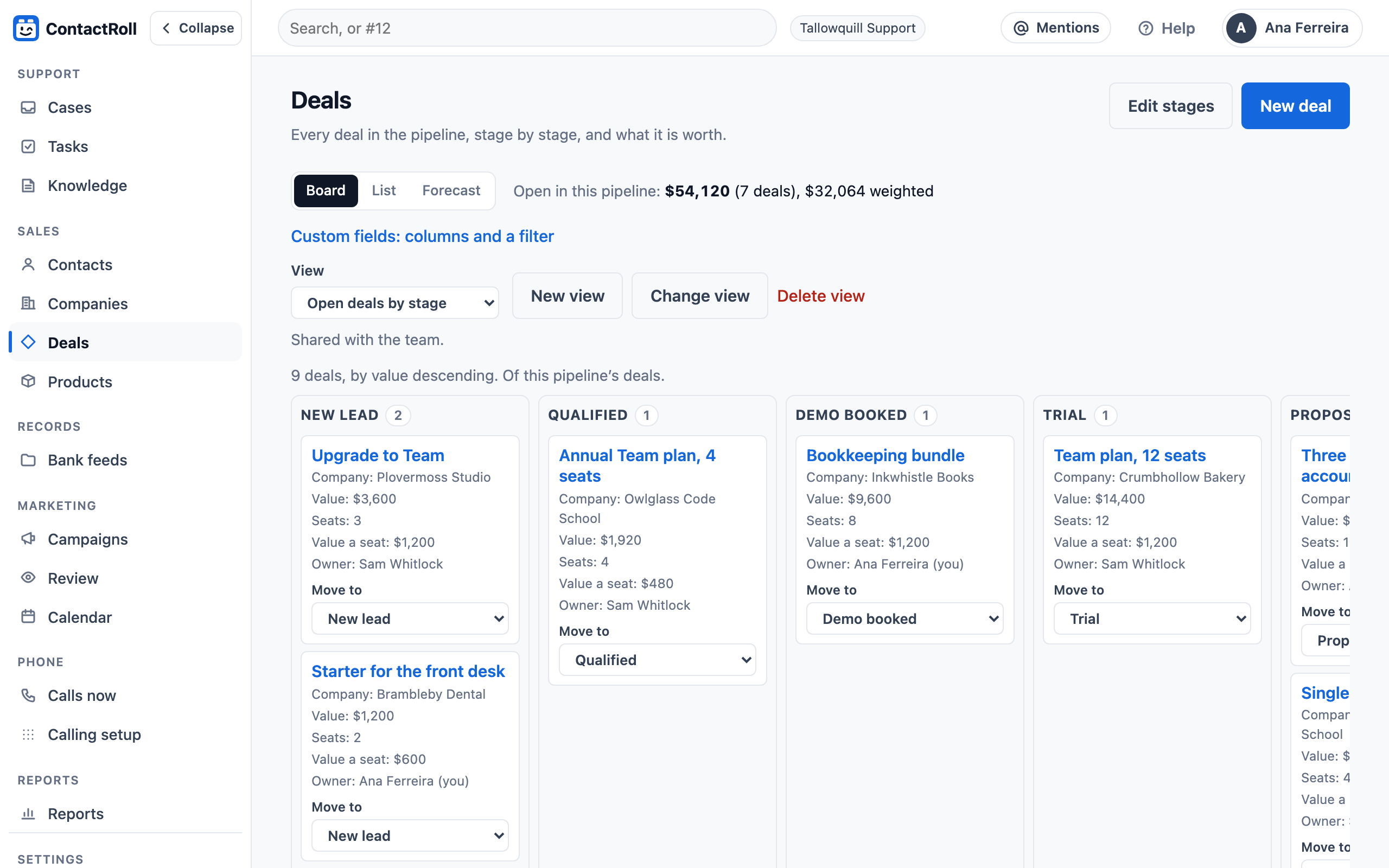
How a view works
- Up to 20 columns and 10 filters, built-in fields and your custom fields alike, sorted by one field, up or down.
- Across the whole list of contacts, companies, deals or cases, not only the page on screen: the filters and the sort run on every record the reader may see.
- A board moves a card from column to column by dragging, or by its Move to choice on a phone or with a keyboard.
- Shared views are made and changed by whoever may change the organization’s settings; anybody can keep views of their own.
Views sit beside each page’s own narrowing, such as the deals board’s pipeline, and beside the case queue’s saved queue views.
Questions
Which lists can have saved views?
Contacts, companies, deals, cases and tasks, and each record type of your own on Plus.
Who sees a view I save?
A view is yours unless you share it with the team. Each person who opens a shared view sees only the records their own role may see, and no column for a field hidden from them.
What can a board be grouped by?
A choice: a status, a stage, an owner, a priority or a dropdown field of your own.