Custom fields
Fields that point, work out and total
Beside the fields you type into, three kinds keep themselves up to date: a lookup that links to another record, a calculated field that works out a number from the record’s own fields, and a roll-up that totals or counts what is linked. All three on every plan.
Three kinds, one place to set them up
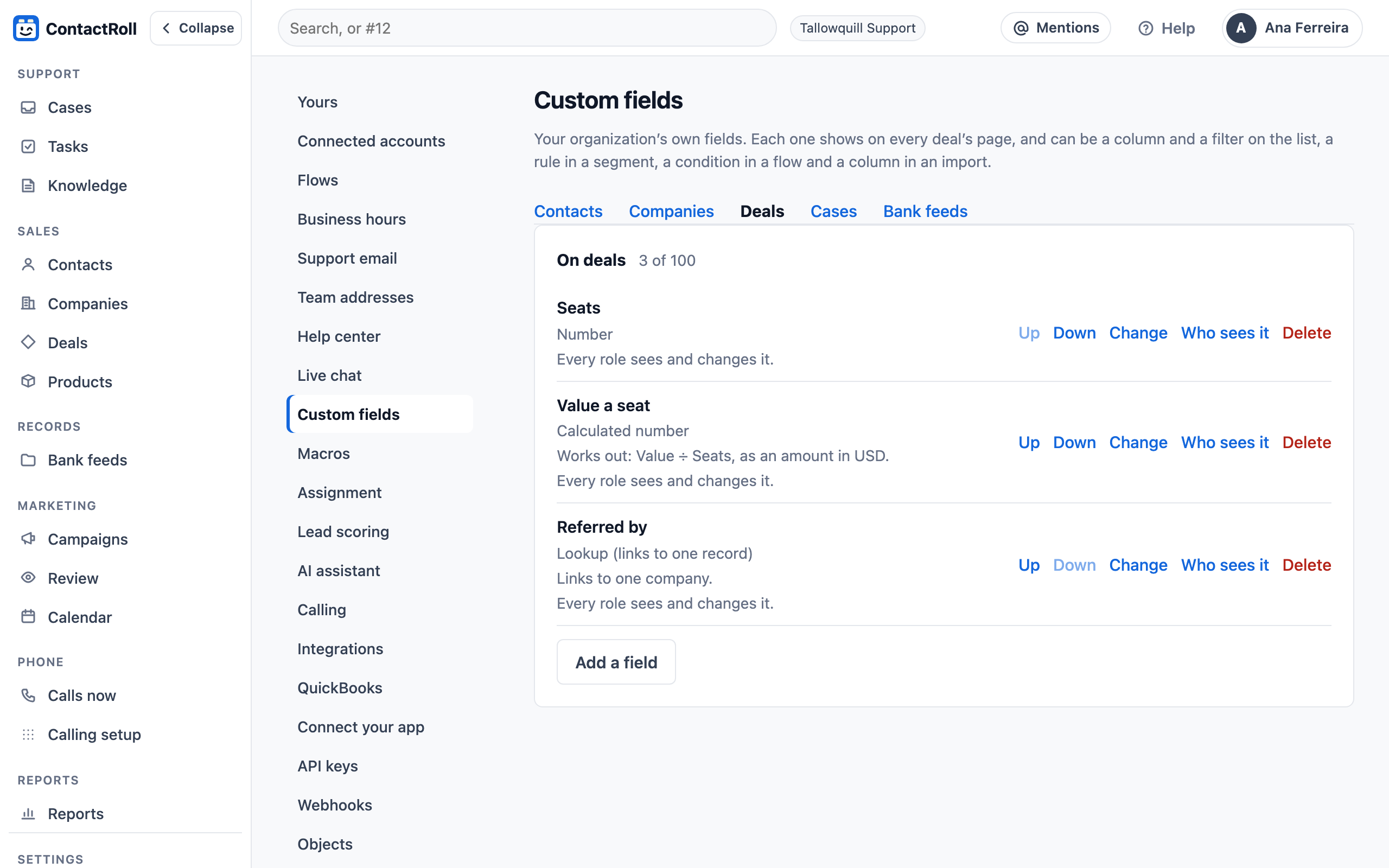
- Lookup: one contact, company, deal, case or record of your own type. A deal’s “Referred by” points to the customer who sent it, and the name is a link.
- Calculated: a formula over the record’s numbers, amounts and dates. A deal’s value a seat is its value divided by its seats.
- Roll-up: the count, total, least or greatest of what is linked, such as a company’s open deals, a contact’s open cases or a deal’s cases.
Each field can be hidden from a role, or shown to it read-only, like any custom field.
On the record, worked out for you
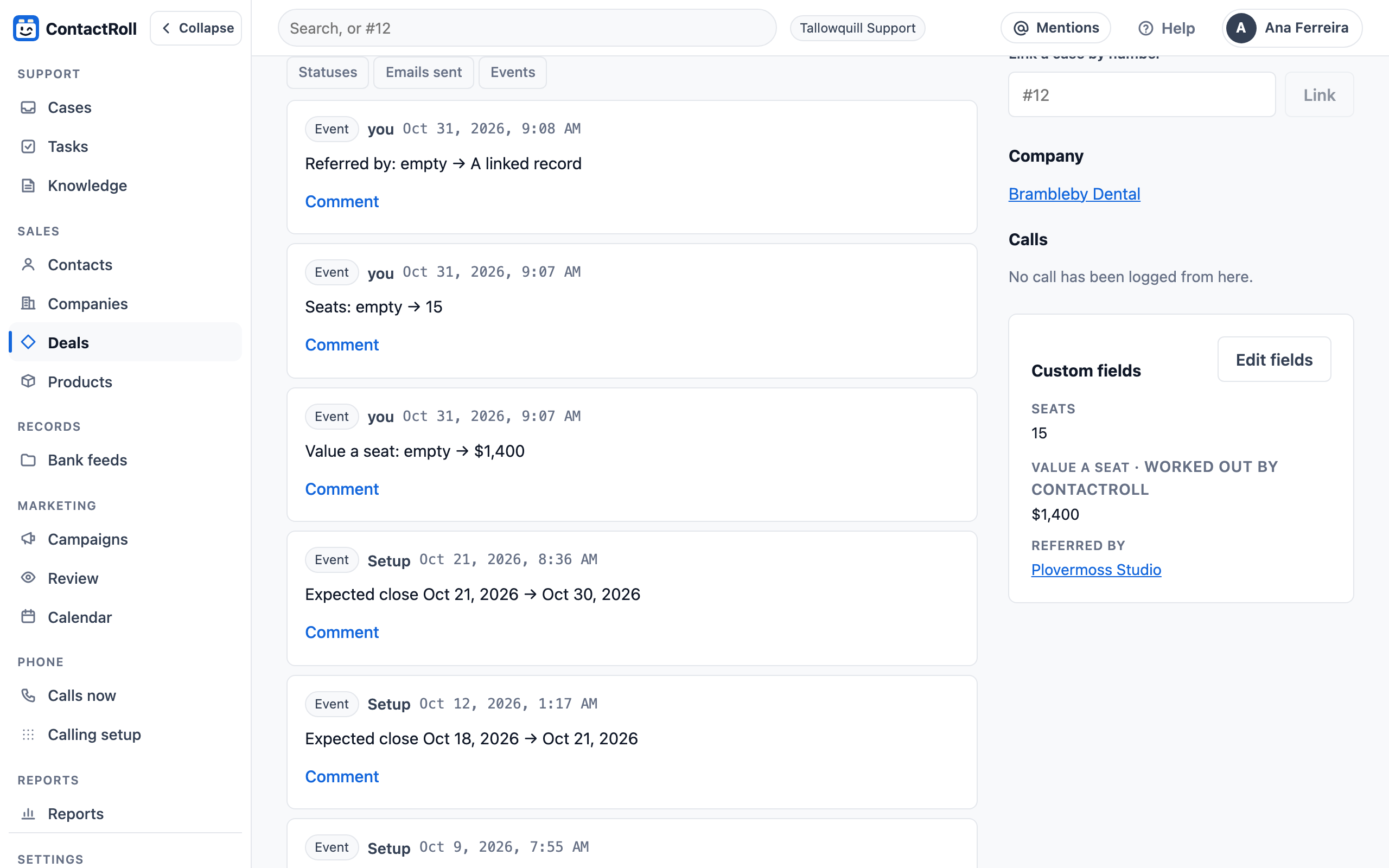
On the deal’s page the calculated value sits beside the fields it reads, marked “worked out by ContactRoll”, and the lookup is a link to the company. Each change is a line on the timeline.
The same fields are columns and filters on lists, columns in an import, and fields to group, total and filter by in the report builder.
How the values are worked out
A roll-up reads the linked records’ own fields, never another roll-up or calculated field, so values never chase each other in a loop. A total of deal values is in one currency; deals in another are left out of it. Segments and automation flows do not use these three kinds yet. The full list of field kinds and how to add one is in the custom fields help article.
Questions
What kinds of custom field are there?
Text, long text, numbers, amounts of money, dates, checkboxes, dropdowns and the rest of the everyday kinds, and three that work for you: a lookup, a calculated field and a roll-up.
Can a formula use dates?
Yes: it can count the days from one date to another, such as from when a deal was added to its expected close. It can also add, subtract, multiply and divide numbers and amounts.
Can I type over a calculated value?
No. A calculated or roll-up field is worked out by ContactRoll and marked so on the page; change the fields it reads, and it changes with them.
Which plans have them?
Every plan, Free included. A record type has up to 25 custom fields on Free and Standard, and up to 100 on Plus.