QuickBooks Online Coming
QuickBooks Online, beside your companies
Coming, and not available in ContactRoll yet: there is no date. It is built and being tested. When it arrives, an organization on Plus will connect its QuickBooks Online company and see each customer’s invoices on the company’s page in ContactRoll.
What it will do
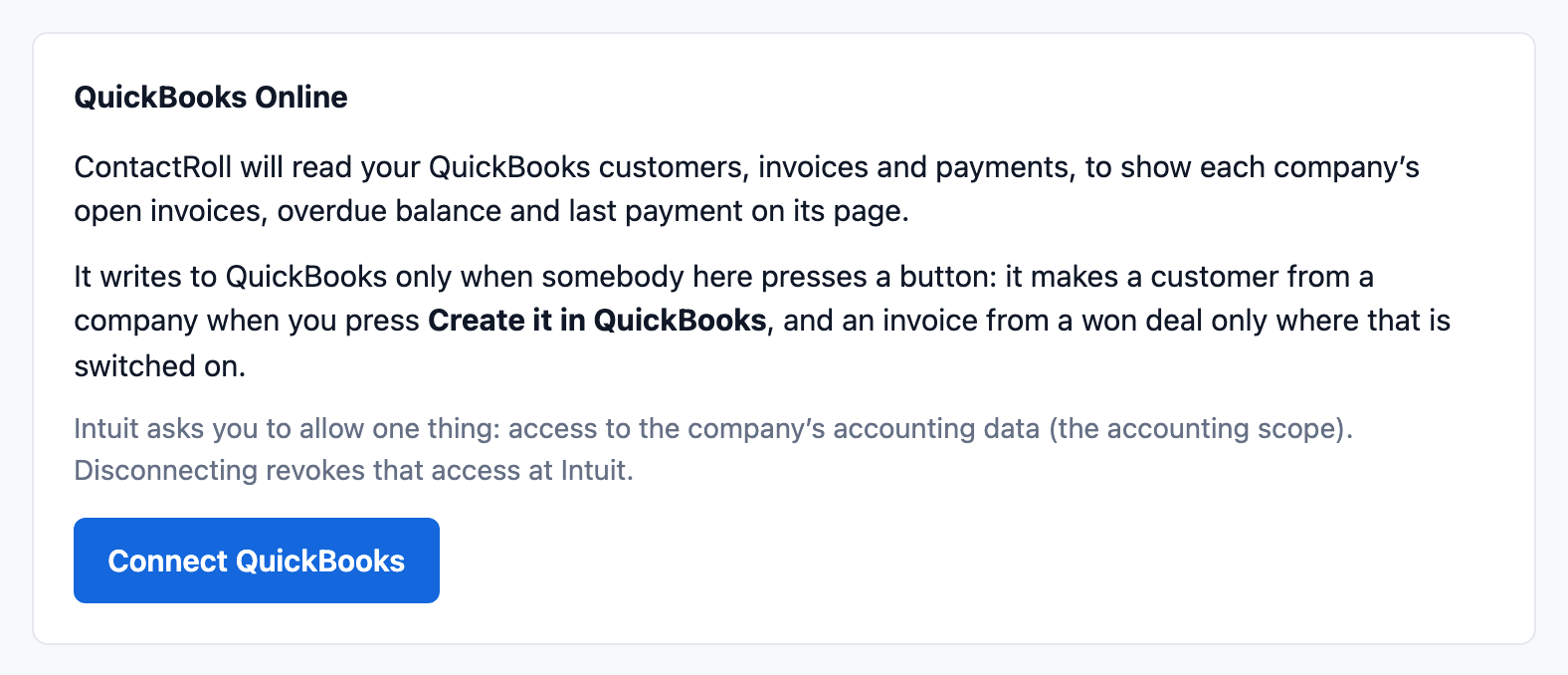
- Connect one QuickBooks Online company, by an Owner or Administrator, asking QuickBooks for its accounting data and nothing else. Disconnecting withdraws that access at QuickBooks.
- Link each ContactRoll company to its QuickBooks customer, confirmed by a person, or make the customer from the company.
- Show each company’s open invoices, what is overdue and its last payment, kept up to date as QuickBooks reports changes.
- Make one invoice in QuickBooks from a deal when it is won, where that is switched on.
It writes to QuickBooks only when somebody presses a button.
Until then
A company’s billing can be kept in custom fields, and your own systems can update them through the API on Plus. Write to hello@contactroll.com if QuickBooks matters to your team.