Microsoft 365 and Outlook Coming
Sign in with Microsoft, and Outlook on your contacts’ timelines
Coming, and not available in ContactRoll yet: there is no date. Two parts are built and being tested: signing in with a Microsoft work account, and keeping the Outlook email and meetings you have with your contacts on their timelines.
What it will do
- Sign in with Microsoft, on every plan. It joins an existing ContactRoll account only where Microsoft has verified the email address.
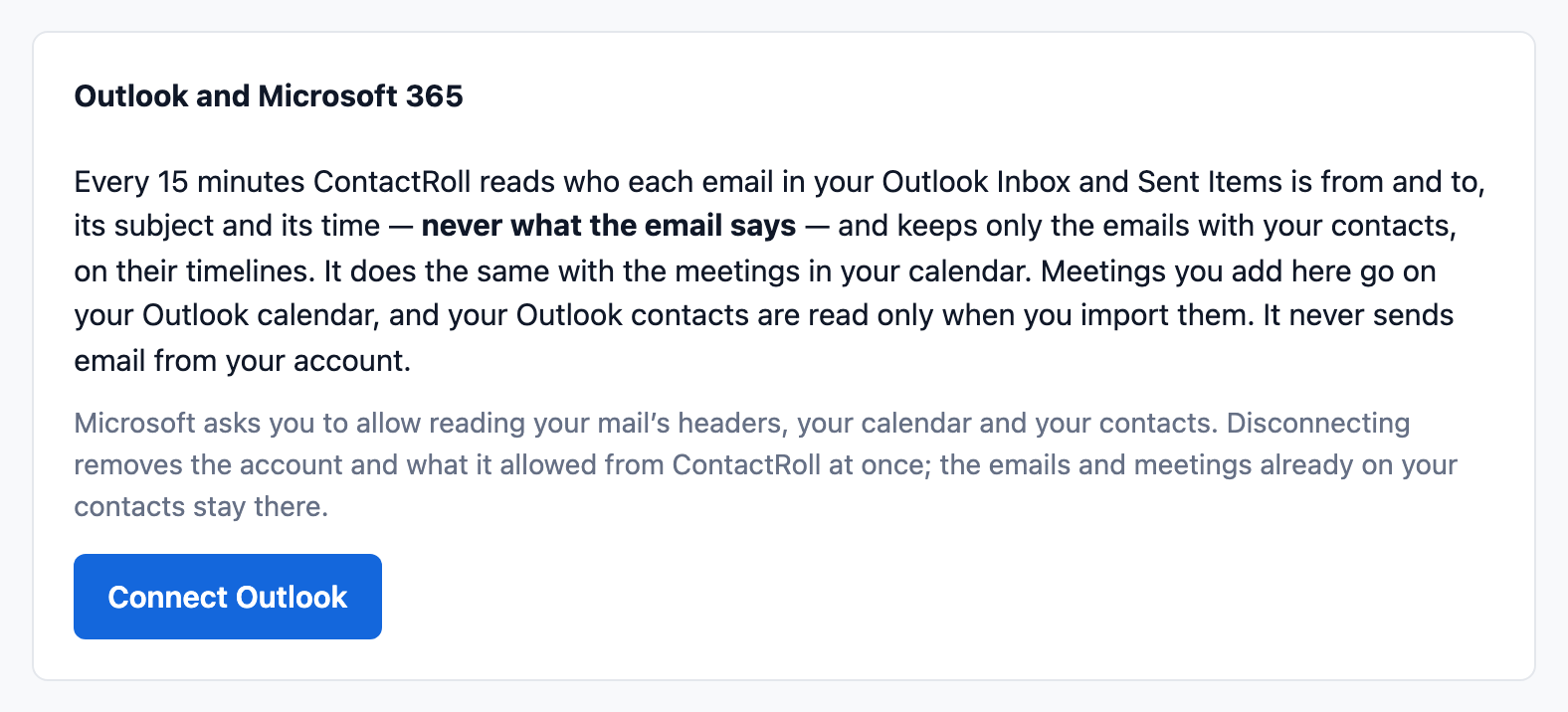
- Outlook email and calendar, on Standard and Plus, each member connecting their own account. Every 15 minutes ContactRoll reads who each email is from and to, its subject and its time, never what it says, and keeps only those with your contacts. Meetings go the same way.
- Meetings you add in ContactRoll go on your Outlook calendar, and your Outlook contacts can be imported when you ask.
What works with Microsoft 365 today
A Microsoft 365 or Outlook support address can be forwarded to ContactRoll now, and every email to it opens a case, as the support email article describes. Each member can also send a copy of any email to their own ContactRoll address to put it on the contact’s timeline. Write to hello@contactroll.com if this matters to your team.